Plan your time
Shifts, availability, date ranges, multiple jobs, night work and overtime in one weekly view.
WorkFlow Planner Pro connects calendar events, reminders, shifts, income, expenses, commuting, alarms and analysis so you can see your day, week and financial picture clearly.
The platform connects information that is usually managed separately so you can understand what you need to do, how much time it takes and its financial impact.
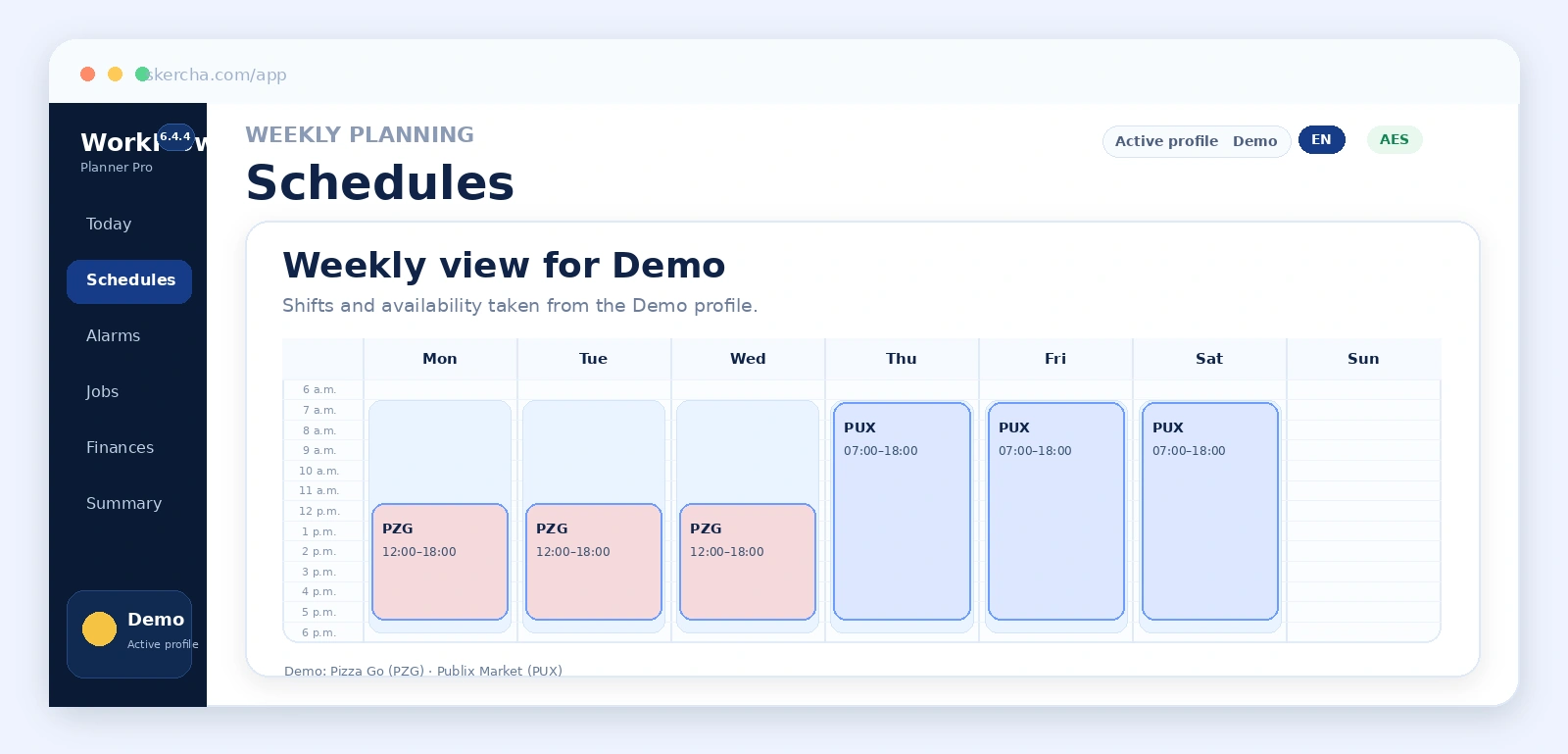
Shifts, availability, date ranges, multiple jobs, night work and overtime in one weekly view.
Use a yearly calendar for birthdays, appointments, tasks and events, and choose how many days in advance each reminder should appear in Today Center.
Connect hours, rates, taxes, recurring expenses and transactions to obtain monthly and annual results.
Calculate when to wake up and leave home based on routine, commute, safety margin and the first shift of the day.
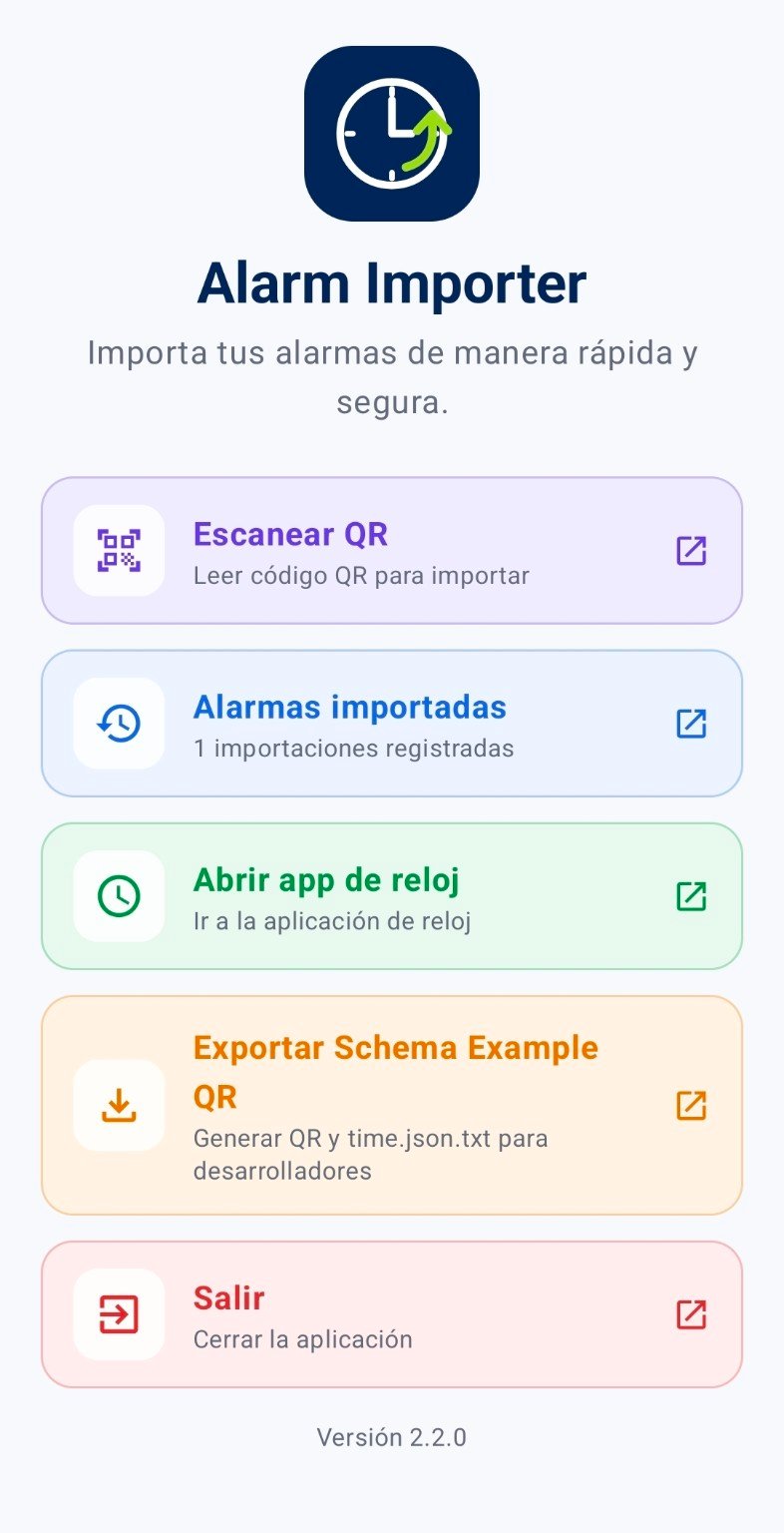
Export wake-up times as a QR containing Alarm Importer v1 JSON. Alarm Importer can scan the code, review imported alarms and continue the workflow in the Android clock app.
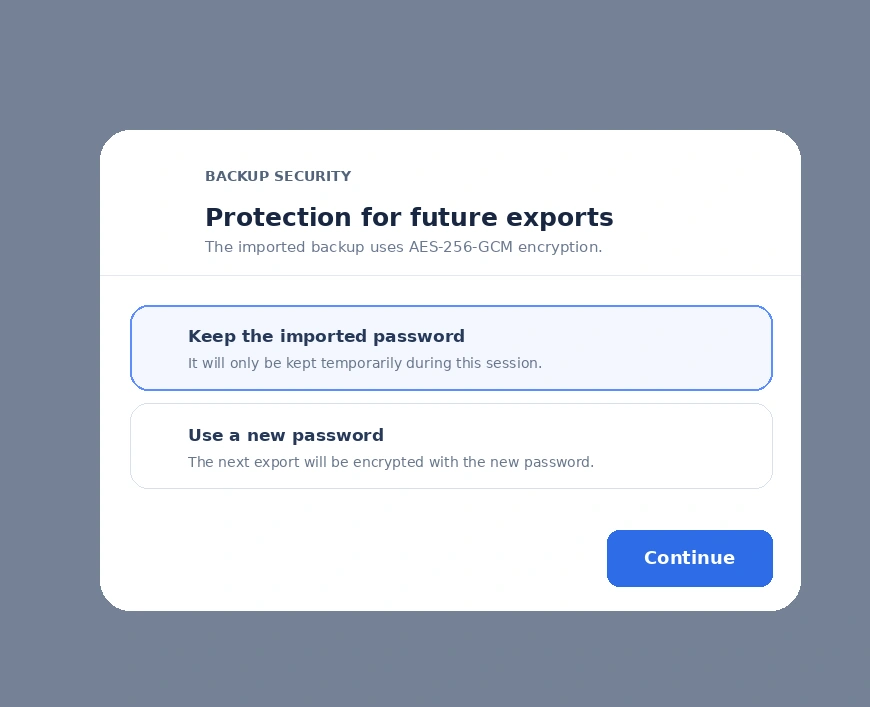
Export a portable HMAC-signed copy and optionally protect it with a password using AES-256-GCM.
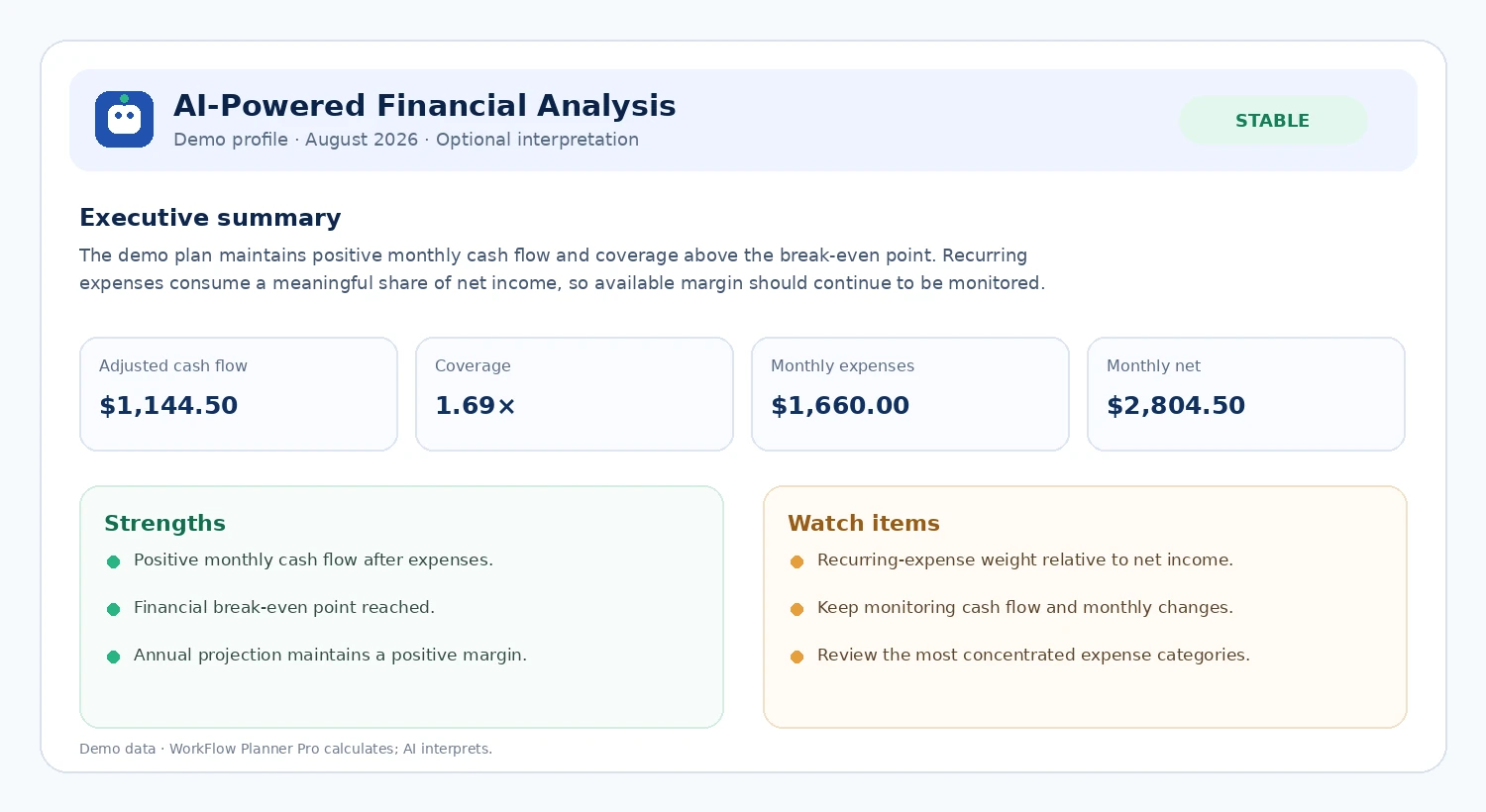
Request an optional report that turns system-calculated indicators into understandable strengths, risks and general actions to consider.
The Calendar module brings personal and work events together in a 12-month yearly view. Dates containing activities are marked, and selecting a day lets you review, edit or delete its events.
WorkFlow Planner Pro groups compatible wake-up times and locally generates a QR containing Alarm Importer v1 JSON. The Alarm Importer Android app scans that code and lets users review the alarms before continuing with the clock application.
The daily panel uses the active profile plan to show the next relevant action: wake up, leave home, start work, shift in progress or completed day.
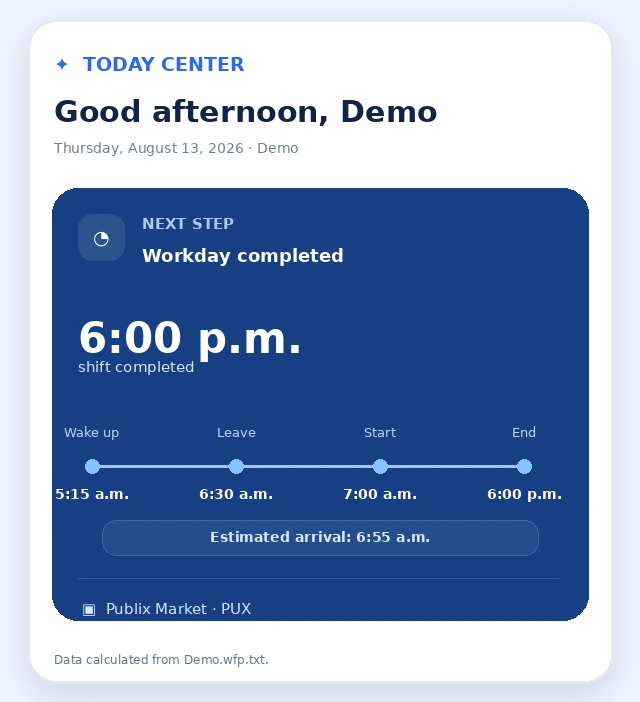
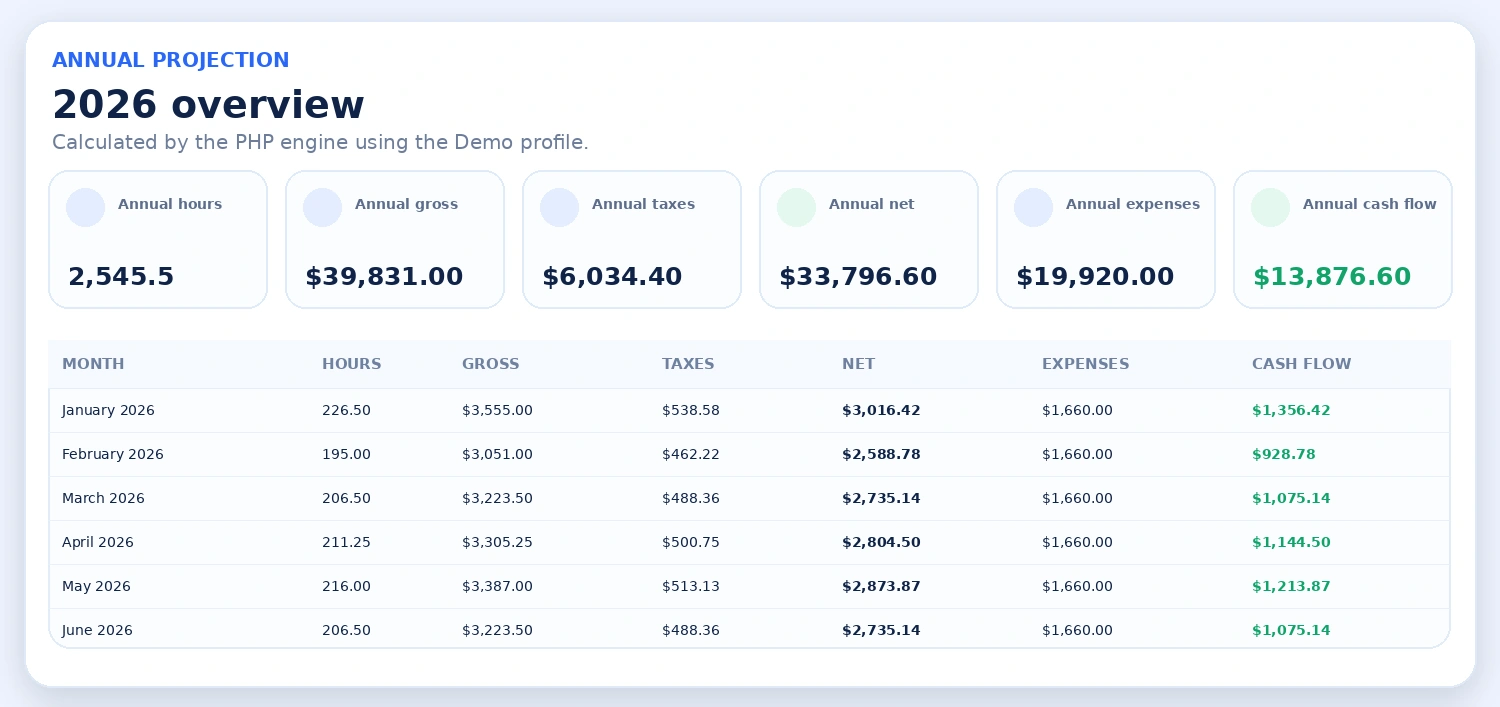
The dashboard combines hours, gross income, taxes, net income, expenses and cash flow so you can compare periods without rebuilding calculations manually.
The system identifies the first actual shift after midnight and uses it for daily planning.
Personal routine + commute + optional buffer are automatically converted into a wake-up time.
Compare shifts and availability in a compact week, including schedules from multiple jobs.
Scheduled hours feed calculations that help explain income, taxes, expenses and cash flow.
Risk analysis evaluates financial and work-related dimensions to provide context for your plan.
Export and import portable, mobile-friendly backups that can optionally be protected with a password.
WorkFlow Planner Pro prepares a compact summary with relevant financial indicators. AI interprets those results and presents them in clear language while the application remains responsible for the calculations.
When protection is enabled, the backup is encrypted with AES-256-GCM. The password is converted into a key using Argon2id and, after decryption, the internal JSON must still pass HMAC-SHA-256 verification.
Define each person and their routine.
Configure job, pay and commute.
Organize shifts and availability.
Add expenses and transactions.
Use Today, alarms and dashboard.
Yes. The platform supports shared jobs and independent profile-job links with their own schedules, pay conditions, availability, overtime and commute times.
Yes. The application adapts to mobile screens and backups are exported as .wfp.txt files to make them easier to manage on Android and iPhone.
Yes. The Calendar module lets you create and manage events in a yearly calendar, add an optional time, category, notes and location, set yearly recurrence, and choose how many days in advance each reminder should appear in Today Center.
Yes. Each event supports 0 to 365 days of advance notice. For example, a birthday configured with 5 days of notice appears in Today Center every day during the five days before the event and on the event date itself.
Yes. The Alarms module combines the first actual shift of the day, personal routine, commute time and an optional buffer to calculate wake-up and departure times.
Yes. From Alarms you can generate a QR code with the wake-up times for the visible week and scan it with Alarm Importer for Android. Compatible times are grouped by weekday to create repeating alarms.
Organize your information and let calendar events, reminders, schedules, alarms, finances and analysis work from the same structure.