Day to day
Today
The daily center interprets the active workday and moves between wake-up, departure, start time, shift in progress and completed day.
From what you need to do today to your annual analysis, every module answers a concrete need.
The daily center interprets the active workday and moves between wake-up, departure, start time, shift in progress and completed day.
Yearly calendar for creating, editing and deleting events, checking activities by day, filtering categories and managing recurring events.
Each event can define 0 to 365 days of advance notice and appear automatically in Today until the event date.
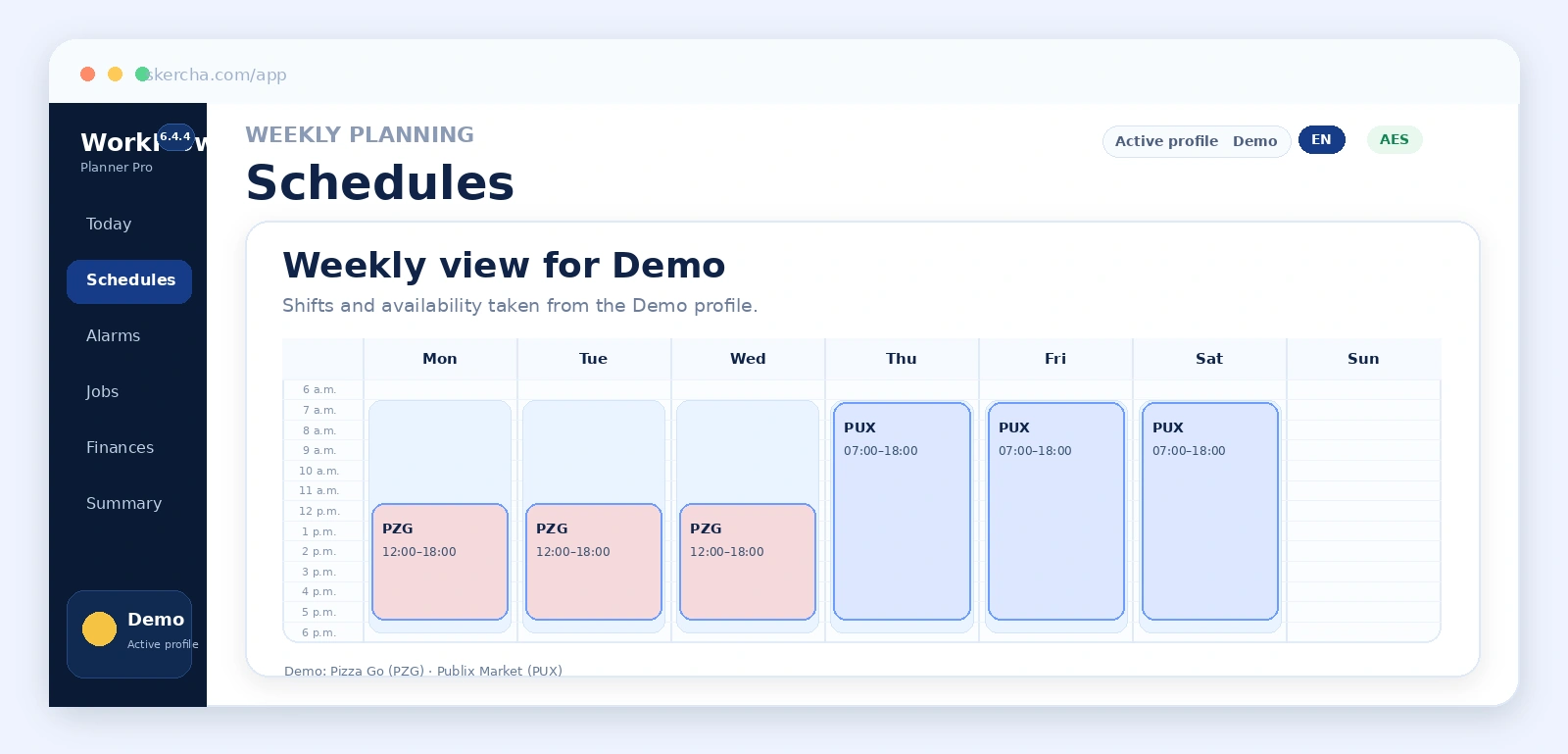
View shifts and availability for the full week and edit each profile plan.
Calculate wake-up, departure, estimated arrival and start time based on routine and commute.
Turn calculated wake-up times into a QR compatible with Alarm Importer. The Android app can scan it, review imported alarms and open the clock application.
Centralize jobs and connect them to one or more profiles through independent links.
Group expenses, transactions and financial results that feed the dashboard.
Evaluate schedule and workload alternatives without losing configured constraints.
Bring together indicators, projections, risks and visual PDF export.
Generate an on-demand interpretive report from the financial summary calculated by WorkFlow Planner Pro without sending the complete operational backup.
Manage people, icons, limits, routines and individual settings.
Enable backup encryption, manage the temporary password and verify cryptographic capabilities.
Explain the configuration flow and detect information that still needs to be completed.