
Frequently asked questions
Direct answers about daily use, backups, security and how the platform works.
Can I manage multiple jobs at the same time?
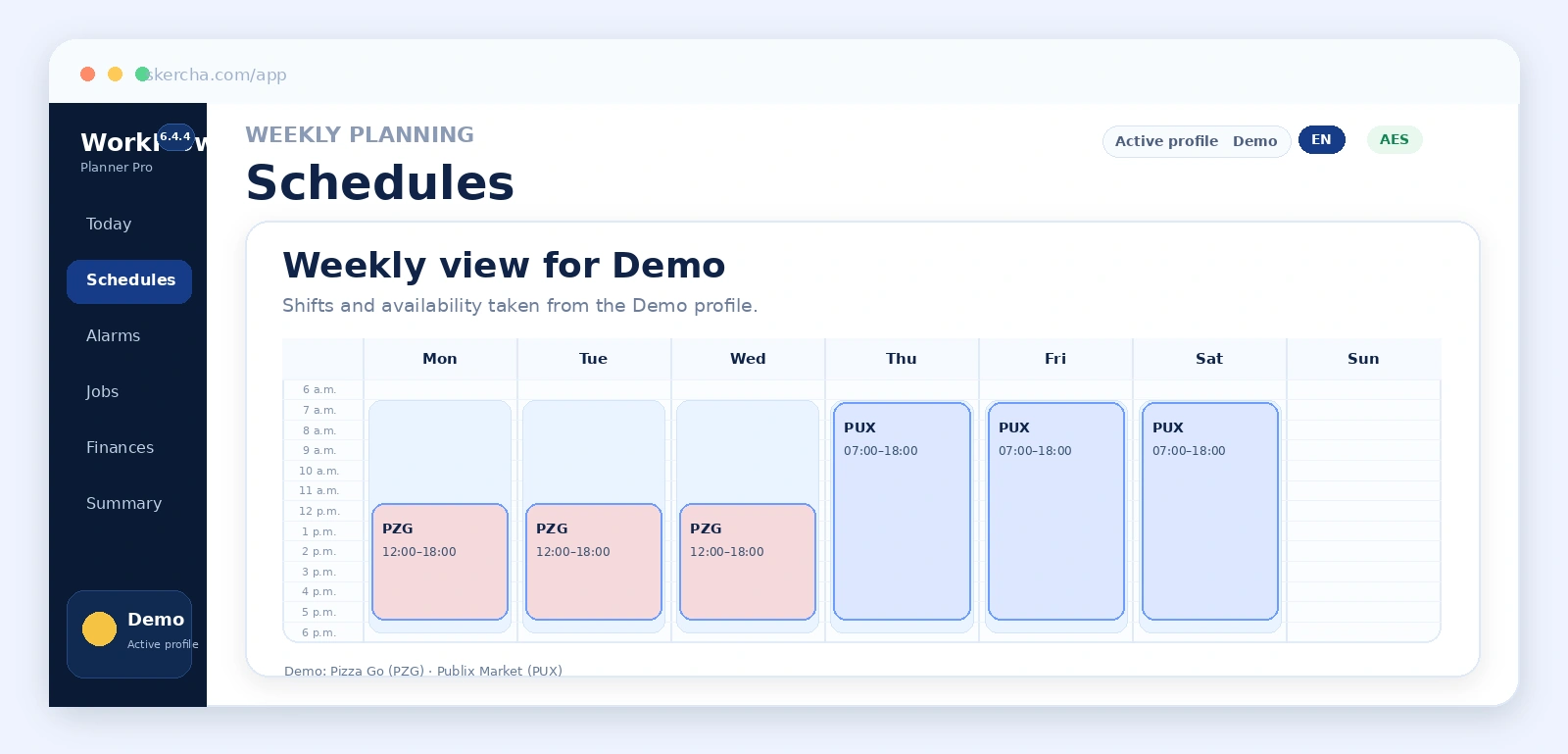
Yes. The platform supports shared jobs and independent profile-job links with their own schedules, pay conditions, availability, overtime and commute times.
Can I use WorkFlow Planner Pro on a phone?
Yes. The application adapts to mobile screens and backups are exported as .wfp.txt files to make them easier to manage on Android and iPhone.
Does WorkFlow Planner Pro include a calendar and reminders?
Yes. The Calendar module lets you create and manage events in a yearly calendar, add an optional time, category, notes and location, set yearly recurrence, and choose how many days in advance each reminder should appear in Today Center.
Can a birthday appear several days before the event?
Yes. Each event supports 0 to 365 days of advance notice. For example, a birthday configured with 5 days of notice appears in Today Center every day during the five days before the event and on the event date itself.
Can it calculate when I should wake up?
Yes. The Alarms module combines the first actual shift of the day, personal routine, commute time and an optional buffer to calculate wake-up and departure times.
Can I export calculated alarms to Android?
Yes. From Alarms you can generate a QR code with the wake-up times for the visible week and scan it with Alarm Importer for Android. Compatible times are grouped by weekday to create repeating alarms.
What does the Alarms QR code contain?
It directly contains UTF-8 JSON compatible with Alarm Importer Schema v1. It is not a URL, Base64 payload or token, and the QR is generated locally in the browser.
What can I do with Alarm Importer on Android?
The app can scan the QR generated by WorkFlow Planner Pro, review imported alarms and open the Android clock application to continue the workflow.
Does the system calculate overtime?
Yes. Profile-job links can configure eligibility, regular hours and an overtime multiplier so work calculations can include overtime.
Can I record expenses and income?
Yes. Finances supports recurring expenses, transactions, estimated income, monthly results and annual projections.
Can backups be password protected?
Yes. Protection is optional and uses AES-256-GCM with a key derived through Argon2id when the server provides the required cryptographic extensions.
How is backup integrity verified?
The internal JSON is verified with HMAC-SHA-256. If the backup is encrypted, AES-GCM is authenticated and decrypted first, then the HMAC signature of the recovered document is verified.
Can I import a previous backup?
Yes. The application imports valid backups and replaces the in-memory plan only after structure and integrity checks succeed.
What does Today Center show?
Today Center summarizes the active profile workday and can show wake-up, departure, start time, shift in progress, end of day and shortcuts to relevant information.
Are private user data indexed by Google or Bing?
They should not be indexed. The public website is separated from /app, and the internal application uses noindex directives plus crawling rules to keep private planning data out of the public index.
What does the WorkFlow Planner Pro AI analyze?
The optional feature interprets a financial summary calculated by WorkFlow Planner Pro with income, expenses, projected and adjusted cash flow, transactions, coverage, break-even workload and available trends.
Does the AI calculate my finances?
No. WorkFlow Planner Pro performs the calculations. AI interprets those indicators and turns them into a readable report with strengths, risks and general actions to consider.
Is my complete backup sent to the AI?
No. The system prepares a compact financial summary with the indicators required for analysis. The full backup, HMAC signature, encryption keys and credentials are not sent.
Does the AI financial analysis replace a financial adviser?
No. It is an informational and educational interpretation of application-calculated data and does not replace professional financial, tax, legal or investment advice.