
Work and financial planning
Start with a clear plan
A short guide to understand what to configure first and how to get value from the rest of the platform.
SchedulesFinancesAlarmsFinancial AIAES-256-GCM
7 daysVisible week
HMAC + AESSecure backup
Recommended order
- Create profiles.
- Configure Calendar events and reminders if you want to manage personal or work events.
- Create jobs.
- Link profiles and jobs.
- Configure availability.
- Plan schedules.
- Configure routine and commute times for Alarms.
- Record finances.
- Review analysis, dashboard and backup security.
Want to see it first?
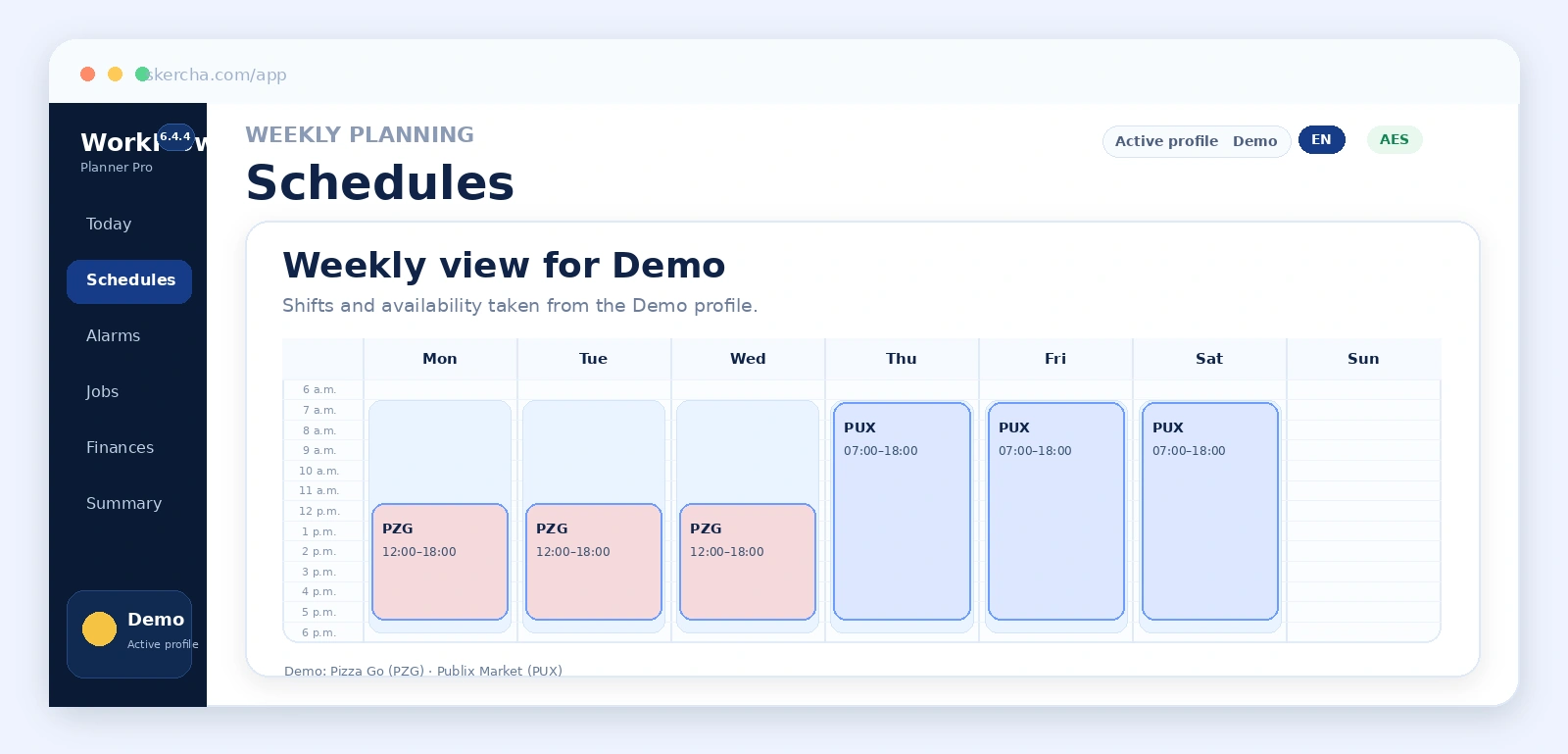
Review the demo screenshots to become familiar with Today Center, Schedules, Security and the annual projection.
See screenshotsOpen application