Create or import a plan
Start from scratch, use a demo or import an existing valid backup.
The workflow is designed so every piece of information you configure automatically feeds the modules that need it.
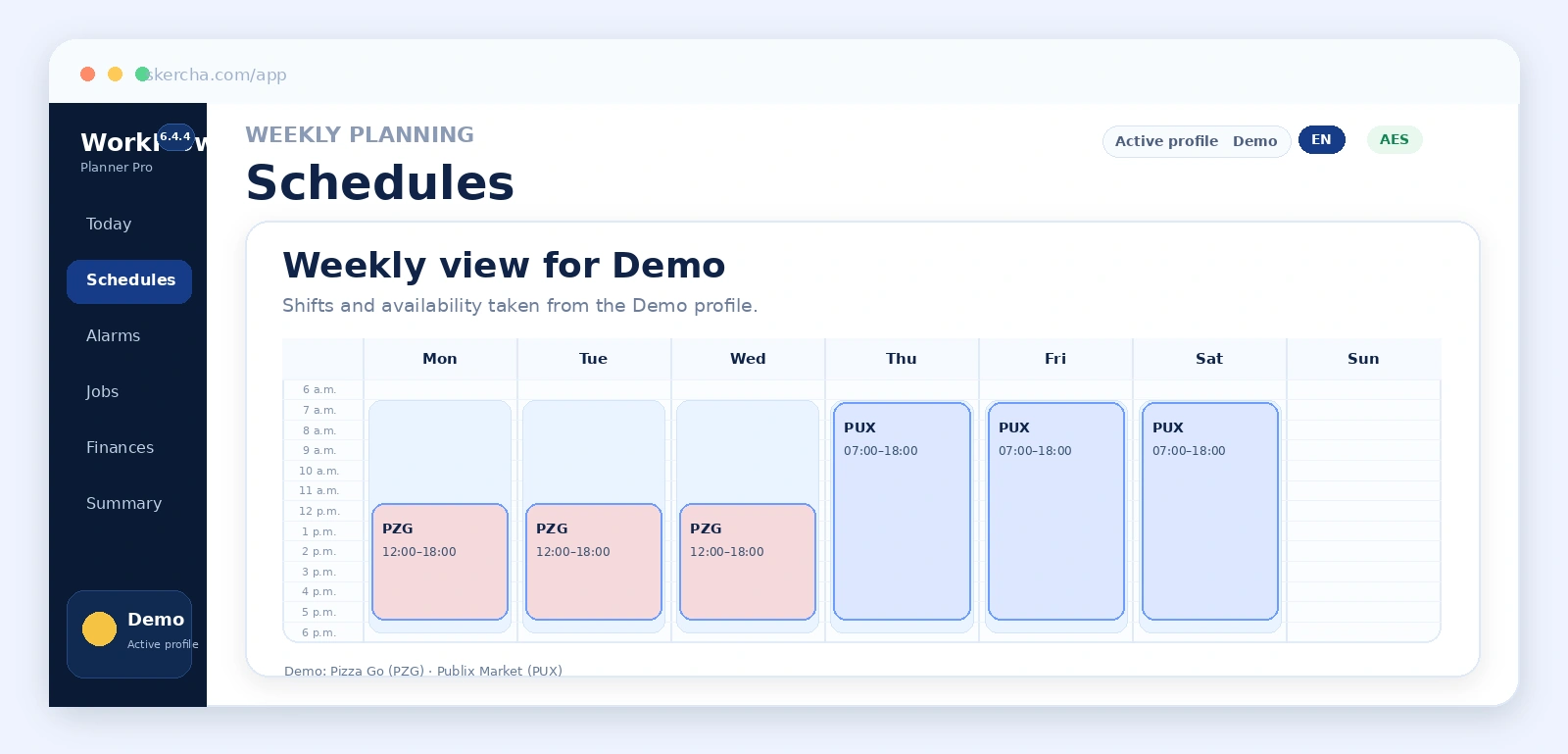
Start from scratch, use a demo or import an existing valid backup.
Define people, limits, icons, routines and other required personal settings.
Add birthdays, appointments, tasks and other events; set optional time, category, notes, yearly recurrence and advance-notice days.
Register jobs and configure rate, taxes, overtime and commute for each profile.
Set when you can work and create the actual shifts for each week.
Record recurring expenses and transactions to connect time with financial results.
The system calculates the daily workday, shows Calendar reminders within their configured advance notice, and calculates wake-up and departure times.
From Alarms you can generate a QR containing Alarm Importer v1 JSON and scan it with the Android app to review and import the calculated times.
Check projections and risks, and export the dashboard to PDF when needed.
Enable password encryption if you want the exported file to remain unreadable outside the system.